
 Dana
Dana Priya
Priya


 Gemini 4 Argon
 GPT Image 2
 ElevenLabs v4
Built on top-tier models
Gemini 4 Argon, Gemini 3.8 Flash, Nano Banana Pro, GPT Image 2 and ElevenLabs, all in one place. Each request goes to the model that fits it best.
Describe an app, a game or a tool you wish existed. ALLO makes it, and you use it on your canvas beside your notes and files, making it better as you go.
Try it without an account. Sign up only when you want to keep editing or publish.



















One idea usually needs a few tools. Add each one to the same canvas, and the space grows to fit how you work.
Open any app on this canvas and try it.
On a canvas of customer interview notes, someone asks for a feedback board. It lands beside the notes, teammates add feedback and vote, and when they need a status on each card, version 2 takes its place.
Apps, conversations, notes and files sit side by side on one canvas instead of scattered across tabs. Come back later and the context you left is still there.
Each one runs with sample data. Send an inquiry, sign up for a launch alert, order a cake, answer a survey or edit a quote. No sign-in needed.
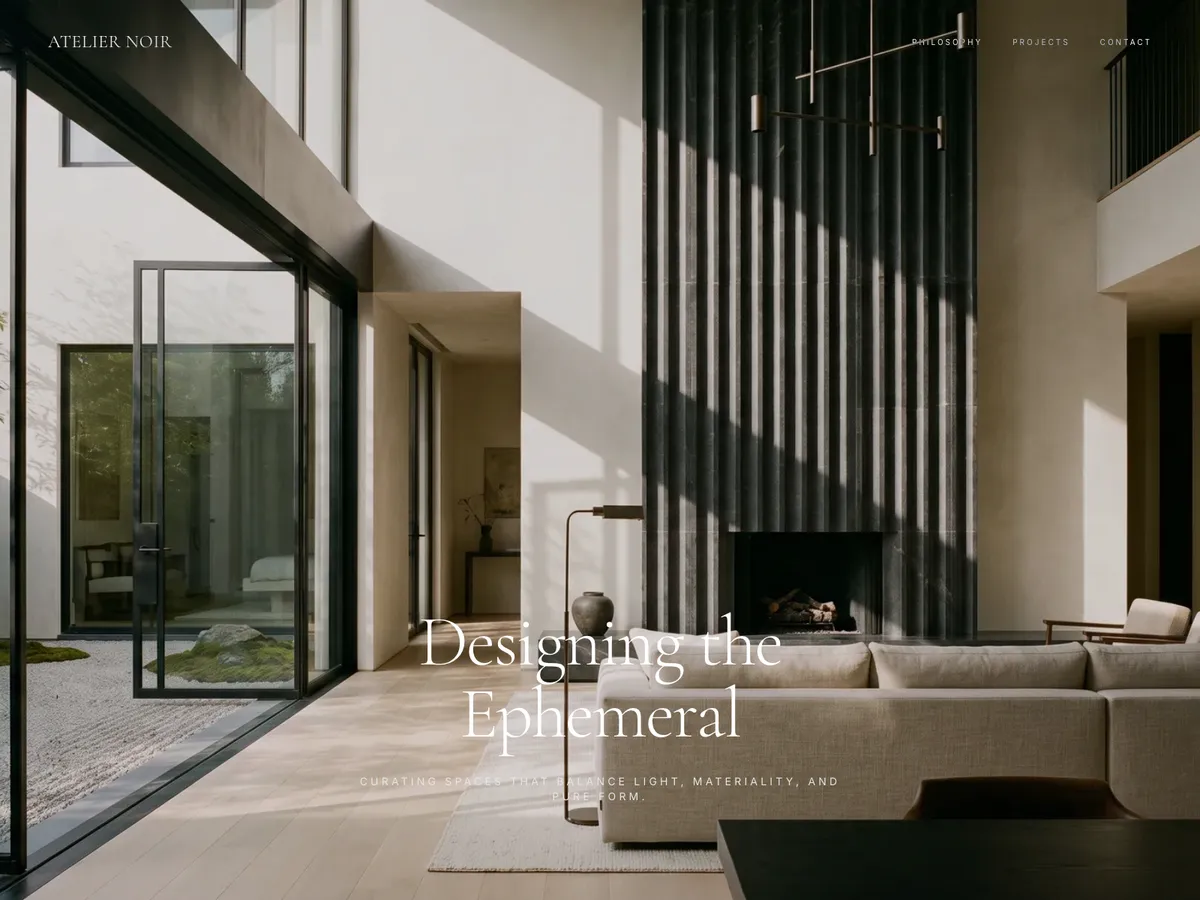
Philosophy, signature projects and a consultation form in one site, with every inquiry collected for you.
Hosting, data and media are built in, so your time goes into the app, not the setup.
Gemini 4 Argon, Gemini 3.8 Flash, Nano Banana Pro, GPT Image 2 and ElevenLabs, all in one place. Each request goes to the model that fits it best.
Hit Publish and the app gets its own name.allohq.com address, live right away. No servers, no deploy step, and visitors see the published version while you keep editing.
Each app keeps its records as tables in its Admin tab, so there's no database to set up. Edit inline, filter, and import or export CSV.
Ask for images, voiceovers, music or sound effects in the same conversation, for the app or on their own.
Publish and the app gets its own address. Whoever opens the link uses the app in their browser with no account, and never sees your canvas or the private conversation behind it.
Records keep adding up while the app keeps getting better, and it stays next to the rest of your work for you and your team to keep opening.
Saved records and attached files are stored apart from the app's versions, so moving to version 2 or 3 keeps what people entered.
One person filters to Mine, another to Overdue, and neither changes the other's view. Half-typed drafts stay with each person too.
Updates are saved as new versions, and earlier ones stay in the Version menu. Switching the app back doesn't roll back its data.
Everyone on the canvas uses one app on the same data. As the owner, you decide who can view, add or edit each set of data.
Apps, games and tools for daily life, hobbies and work: a subscription tracker, a trip planner, a mini game for friends, a party invite, a cafe menu, a task board for your team.
No. You ask for it in plain words, and ask for changes the same way.
What you make in ALLO gets a place on your canvas, beside the rest of your work. Several tools, their conversations and your materials stay together, and you can invite others to use them with you.
Yes. Select notes or files on the canvas and attach them to your request, or upload docs and images. If it needs current information, it searches the web too.
Yes. Keep going in the same conversation and the new version takes the same spot. Saved records are stored apart from app versions, so they stay, and earlier versions remain in the Version menu.
No. They can't edit the app or see the conversation. They only view or enter data where you've allowed it.
Just open it. It works in their browser with no account or sign-in, and they see the published version while you keep editing.
No, every app comes with its own data. You edit it as tables in the Admin tab, import or export CSV, and set view, add, edit and delete permissions per table. Apps can also use another app's data and refresh on a schedule.
No. Publish and the app gets its own name.allohq.com address, live right away. Rename the address and the old one redirects, and you can unpublish anytime.
ALLO uses Gemini 4 Argon, Gemini 3.8 Flash, Nano Banana Pro, GPT Image 2 and ElevenLabs, and picks the right one for each request.
Yes. Ask for images, speech, music or sound effects. Use them in the app or get them straight from the chat.
Yes. Everyone on the canvas uses the same app and the same data at once. Filters and half-written drafts stay with each person.
On the canvas, right next to the work they're about. Each app keeps its own conversation, and notes, docs, tables and images each have their own AI chat too, so there's no sidebar to scroll.
A tracker you check every month, a game for your friends, a tool for your next project. Start with one idea.
 Marcus
 Jen
Jen